Only what's safe
Caches, logs, broken leftovers, old downloads — Sweepvault lists each item, marks whether it's certainly safe or just worth reviewing, and never touches your documents.
Sweepvault removes only the junk it is certain is safe to remove, shows you everything first, and keeps a 30-day vault so any cleanup can be undone. No invented problems, no pressure — just honest free space.
macOS 14 Sonoma or later · Apple silicon & Intel · Free to clean · 7-day free Pro trial
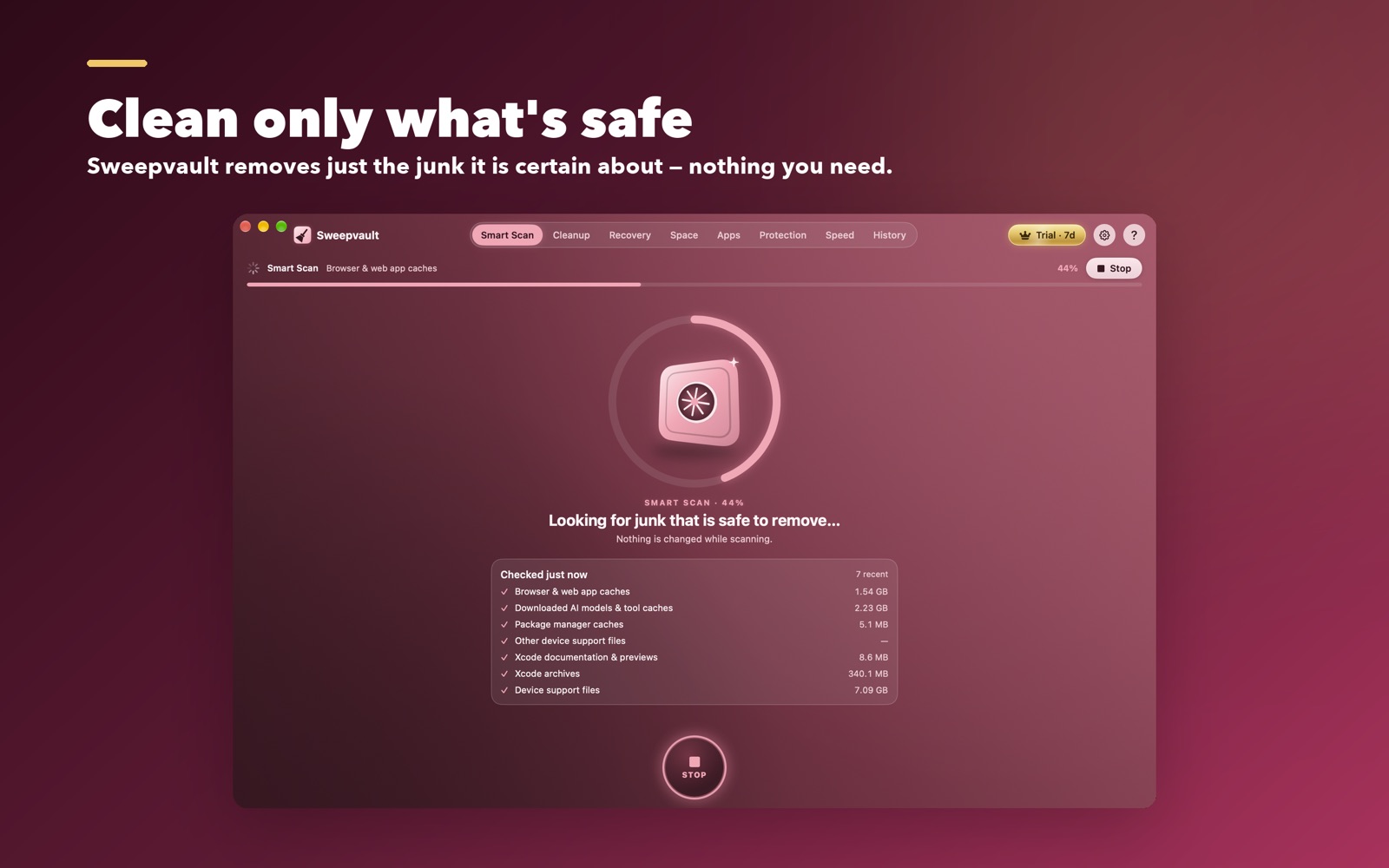

Caches, logs, broken leftovers, old downloads — Sweepvault lists each item, marks whether it's certainly safe or just worth reviewing, and never touches your documents.
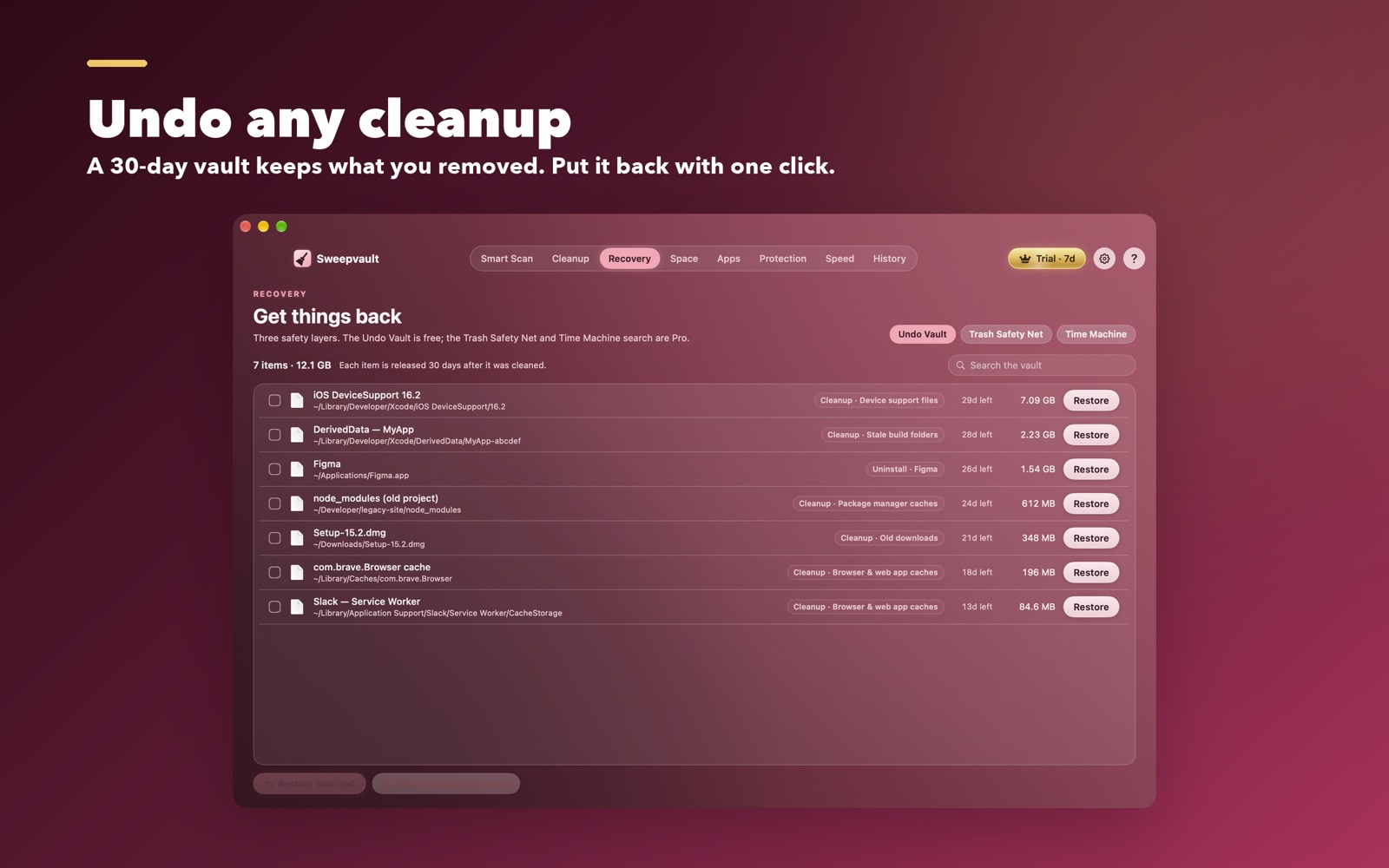
Everything removed goes to a vault on the same disk for 30 days. Changed your mind? Put it back with one click. This is free, forever.
No red "threats", no fake virus warnings, no countdowns. Sweepvault shows real numbers and lets you decide.
Find stale build folders, package and model caches, and web-app caches that quietly eat tens of gigabytes.
Undo deletions beyond the vault: a Trash safety net, 24-hour snapshots, and search inside Time Machine — all in one place.
Remove an app and its scattered leftovers, with a preview of exactly what will go, and the undo vault behind it.
$0forever
$12.99/ year
$29.99once · 3 Macs
Free is genuinely useful on its own — cleaning and the undo vault are never locked. Pro adds recovery for the moments something important slips away. Try Pro free for 7 days in the app before you buy; purchases are final.
A signed, notarized app for macOS. Clean for free, no account.
Download Sweepvault.dmgVerified by Apple (notarized). Open the DMG and drag Sweepvault to Applications.
Sweepvault removes only items it is certain are safe, and shows you everything before anything happens. Whatever is removed waits in the 30-day undo vault, so you can always put it back.
It does the useful part — real cleanup — without the parts that don't help (fake "RAM boosts", invented threats, pressure to buy). And it can undo, which most cleaners can't.
No file names, no file lists, no account name or e-mail ever leave your Mac. Once a week it sends one anonymous ping — only one-way hashed IDs and the app version — to count installs and spot a shared licence. You can turn it off in Settings. See our privacy policy.
One payment unlocks Pro on up to 3 Macs with no renewal, including future updates.